
How to use Meta AI to create images on WhatsApp?
Generate image using Meta AI on WhatsApp

Meta has entered the artificial intelligence race (AI) by introducing its chatbot, Meta AI.
You can now use the chatbot across all of Meta's social media platforms such as Facebook, Instagram and WhatsApp, Techloy reported.
The Meta AI chatbot also lets you create images with a simple prompt "imagine".
You can use the feature to create images out of personal references or to make business advertisements by providing a description of what you want.
How to create images with Meta AI?
Open Meta AI chat on WhatsApp. If you can’t find it, just write “Meta AI” on the search bar.
In the chatbot, write "imagine" followed by what you want it to create.
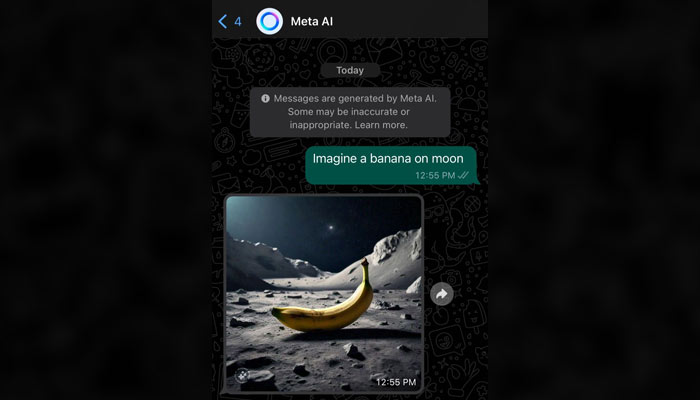
You can also use this feature in your personal or group chats.
To use, just open any chat you want to send, Type @ and tag Meta AI.
Followed by imagine and your text prompt. Tap on Send and your generated image will be displayed in the chat.
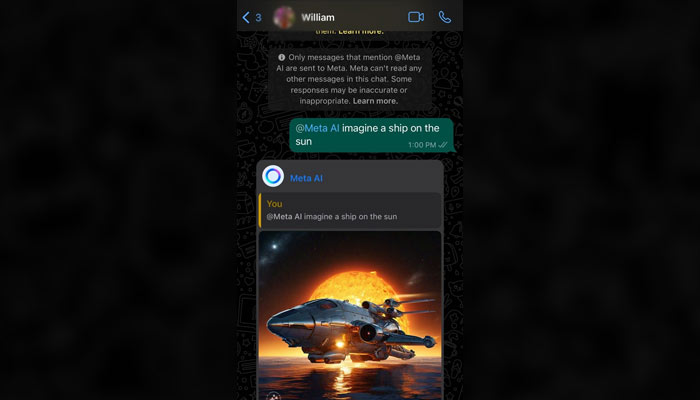
As Meta AI is a new feature, it is still evolving and may not be the most accurate at times.
By trial and error, you can create unique and engaging images to share on WhatsApp.


-
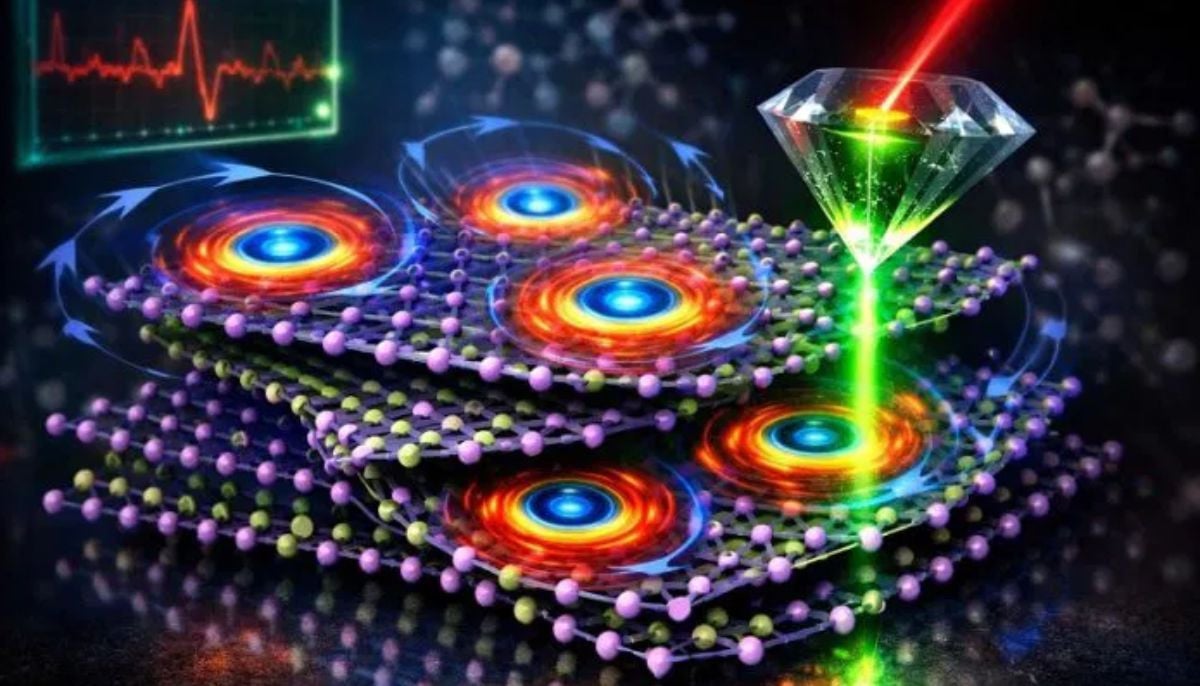 Scientists discover rare form of 'magnets' that might surprise you
 -
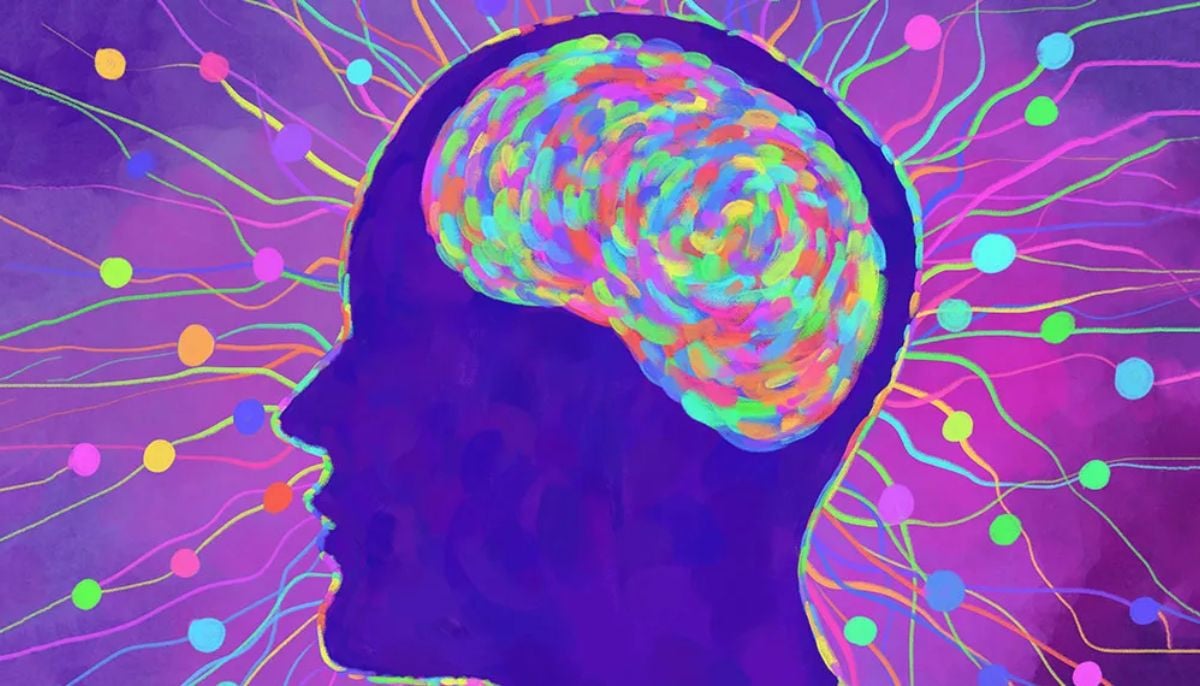 Humans may have 33 senses, not 5: New study challenges long-held science
 -
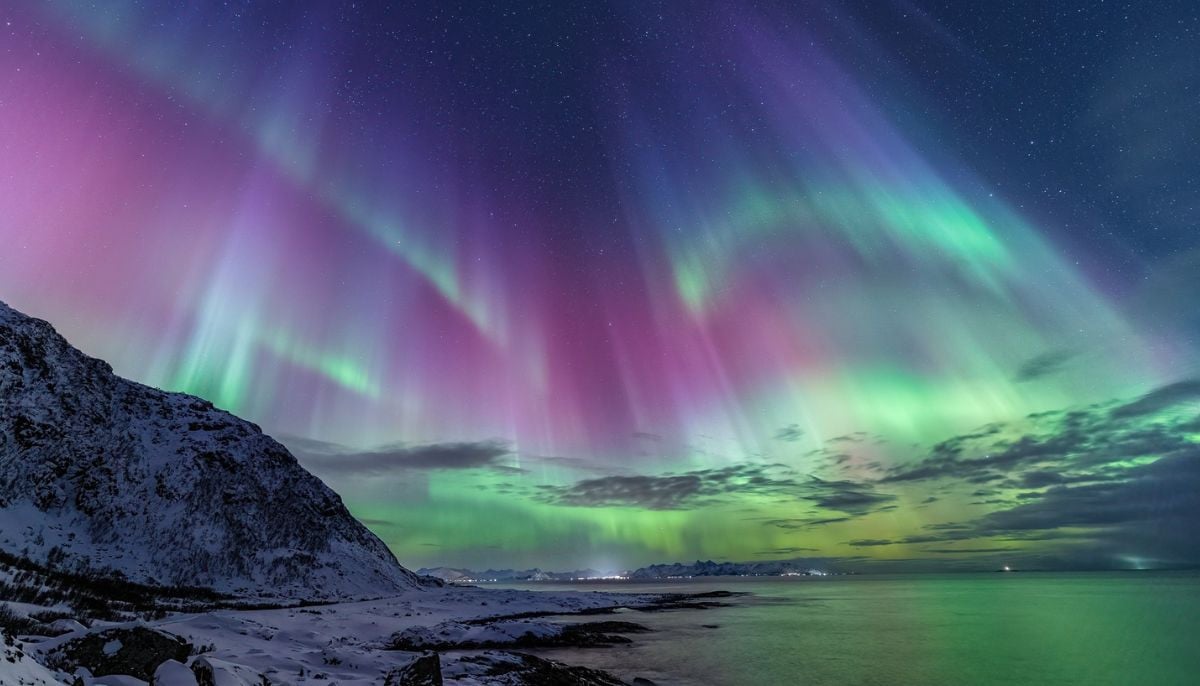 Northern Lights: Calm conditions persist amid low space weather activity
 -
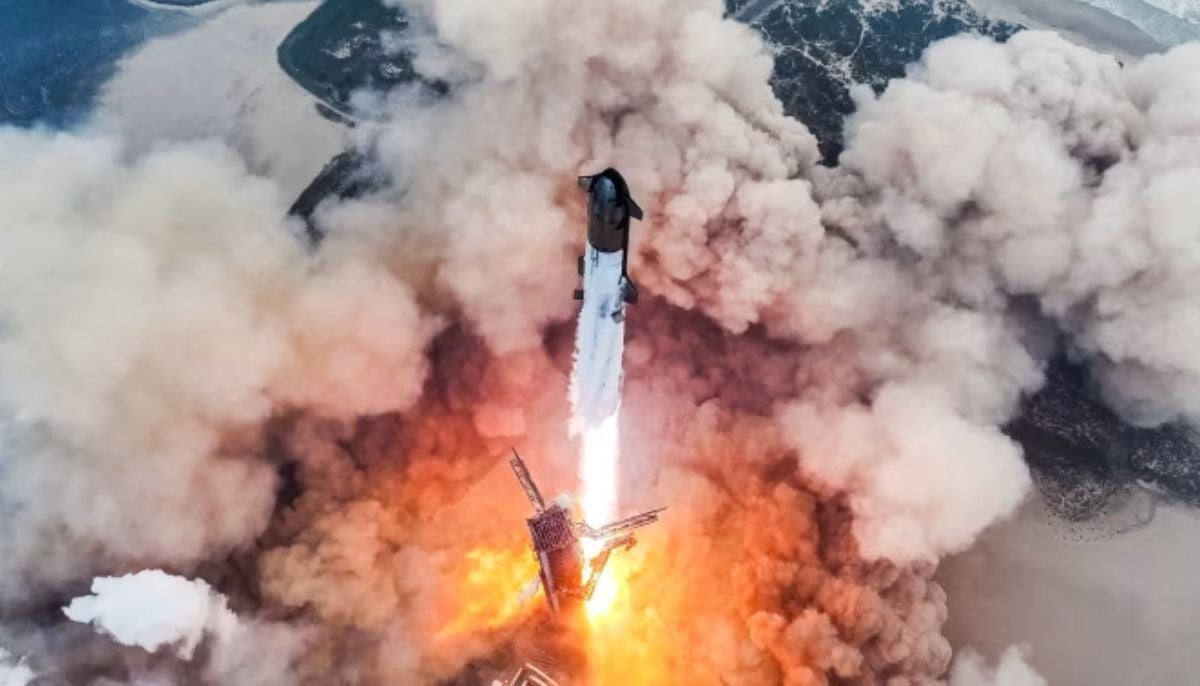 SpaceX pivots from Mars plans to prioritize 2027 Moon landing
 -
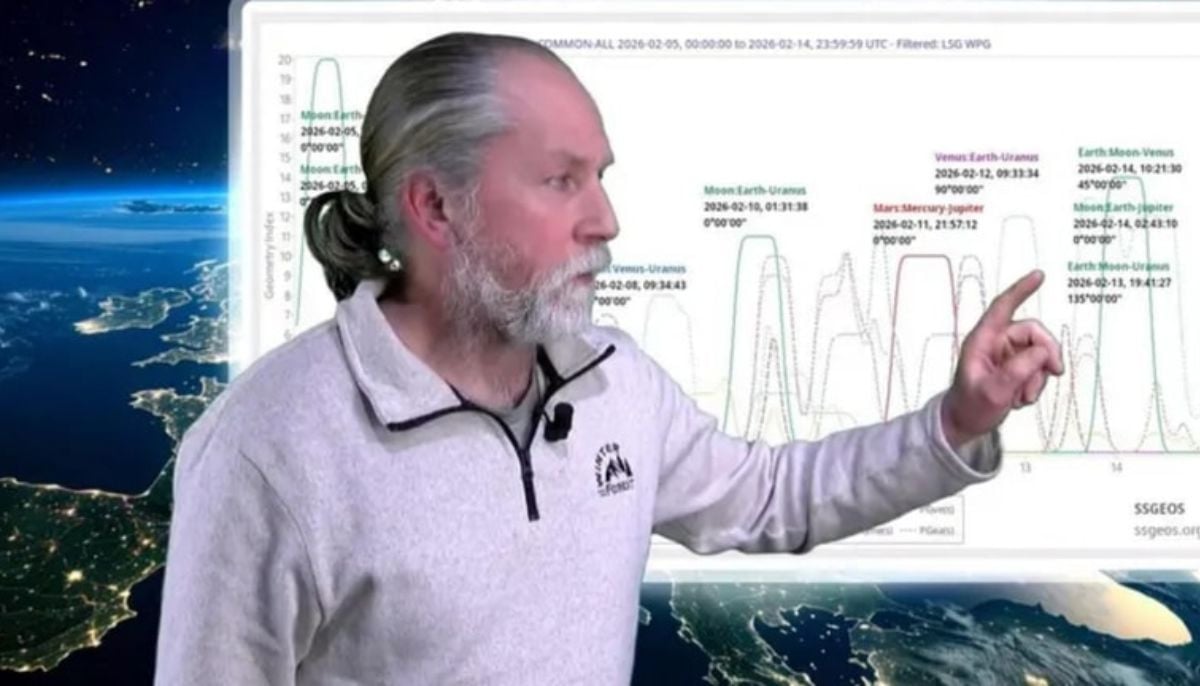 Dutch seismologist hints at 'surprise’ quake in coming days
 -
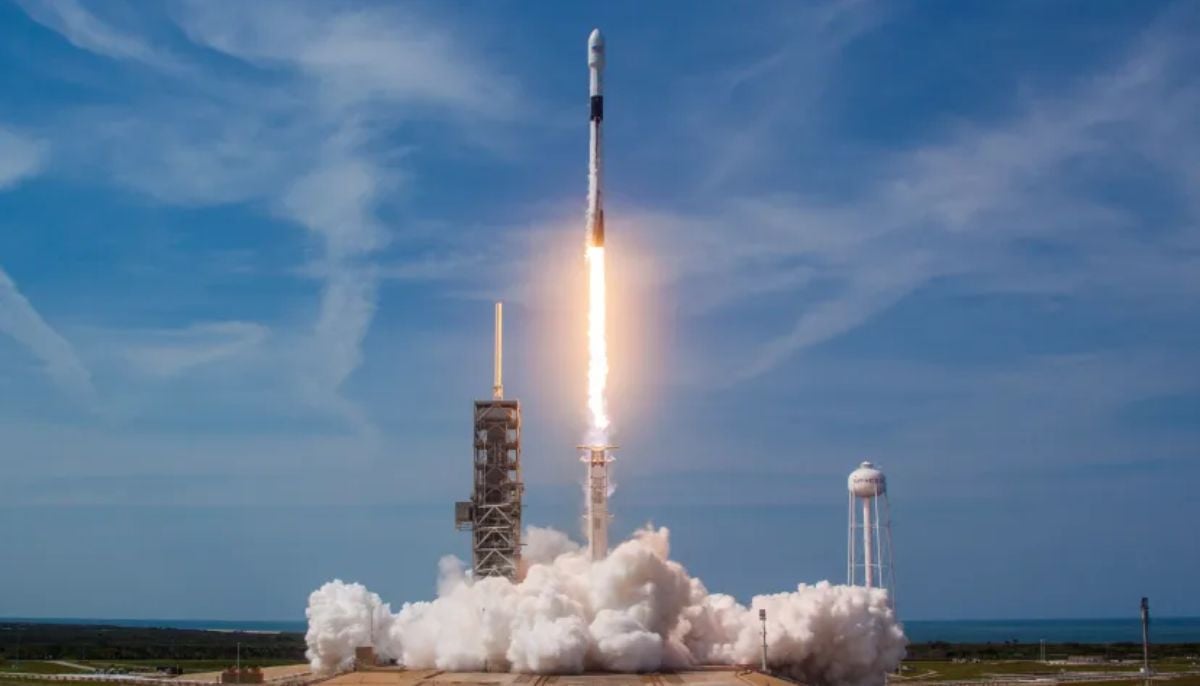 SpaceX cleared for NASA Crew-12 launch after Falcon 9 review
 -
 Is dark matter real? New theory proposes it could be gravity behaving strangely
 -
 Shanghai Fusion ‘Artificial Sun’ achieves groundbreaking results with plasma control record